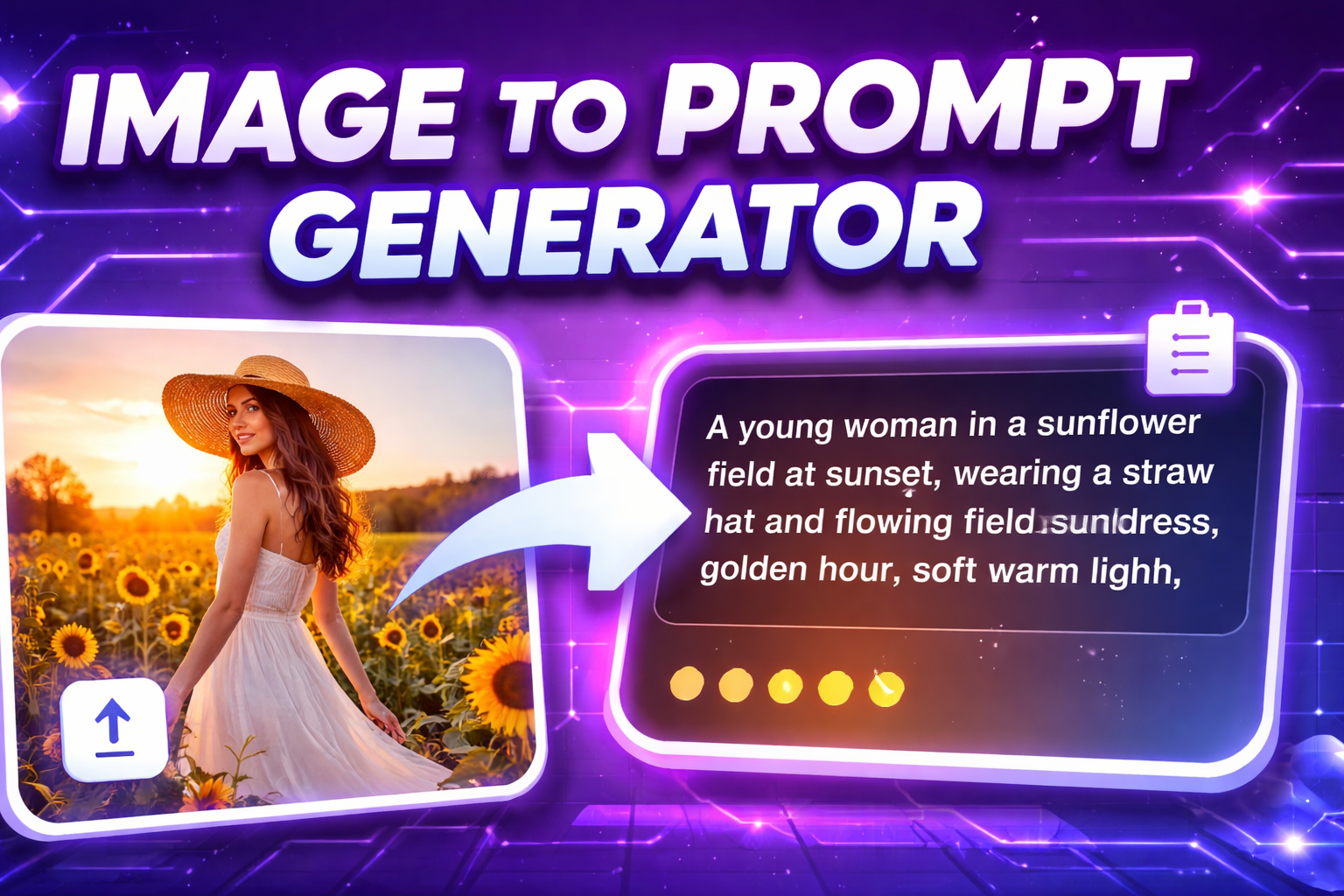
Image to Prompt is a powerful technique that converts visual references into structured text prompts for AI image generation. However, beginners often make critical mistakes when interpreting images, resulting in inaccurate or inconsistent AI outputs. Understanding these mistakes is essential for mastering image-based prompt engineering.
Ignoring the Main Subject of the Image
One of the most common mistakes is failing to clearly identify the primary subject. Overloading a prompt with background details while neglecting the main focus can confuse the AI and produce unintended results.
Overlooking Lighting and Composition
Lighting and composition heavily influence how an image feels. Many users focus only on objects and style, forgetting to describe lighting direction, contrast, and framing. This often leads to flat or visually inconsistent AI-generated images.
Being Too Vague or Too Descriptive
Prompts that are too vague fail to guide the AI, while overly detailed prompts may overwhelm it. Effective image-based prompts strike a balance by describing essential visual elements without unnecessary clutter.
Misinterpreting Art Style and Mood
Another frequent mistake is incorrectly identifying the image’s art style or emotional tone. Confusing cinematic realism with illustration or missing the mood—such as calm, dramatic, or mysterious—can significantly alter the final AI-generated result.
Forgetting Camera Angle and Perspective
Camera angle and perspective play a major role in visual storytelling. Ignoring whether an image is a close-up, wide shot, or low-angle view can cause the AI to generate compositions that feel incorrect or unnatural.
Relying Too Much on Automation
While Image to Prompt tools are helpful, relying solely on automated output without manual refinement is a common mistake. Reviewing and adjusting generated prompts ensures better accuracy and alignment with creative goals.
How to Avoid These Image to Prompt Mistakes
To improve results, focus on identifying the main subject first, then describe style, lighting, mood, and perspective clearly. Use Image to Prompt outputs as a foundation, not a final answer, and refine prompts based on testing and iteration.
Generating prompts from images is a skill that improves with practice. By recognizing and avoiding common mistakes, you can create more effective prompts that lead to consistent, high-quality AI-generated images and stronger prompt engineering skills overall.