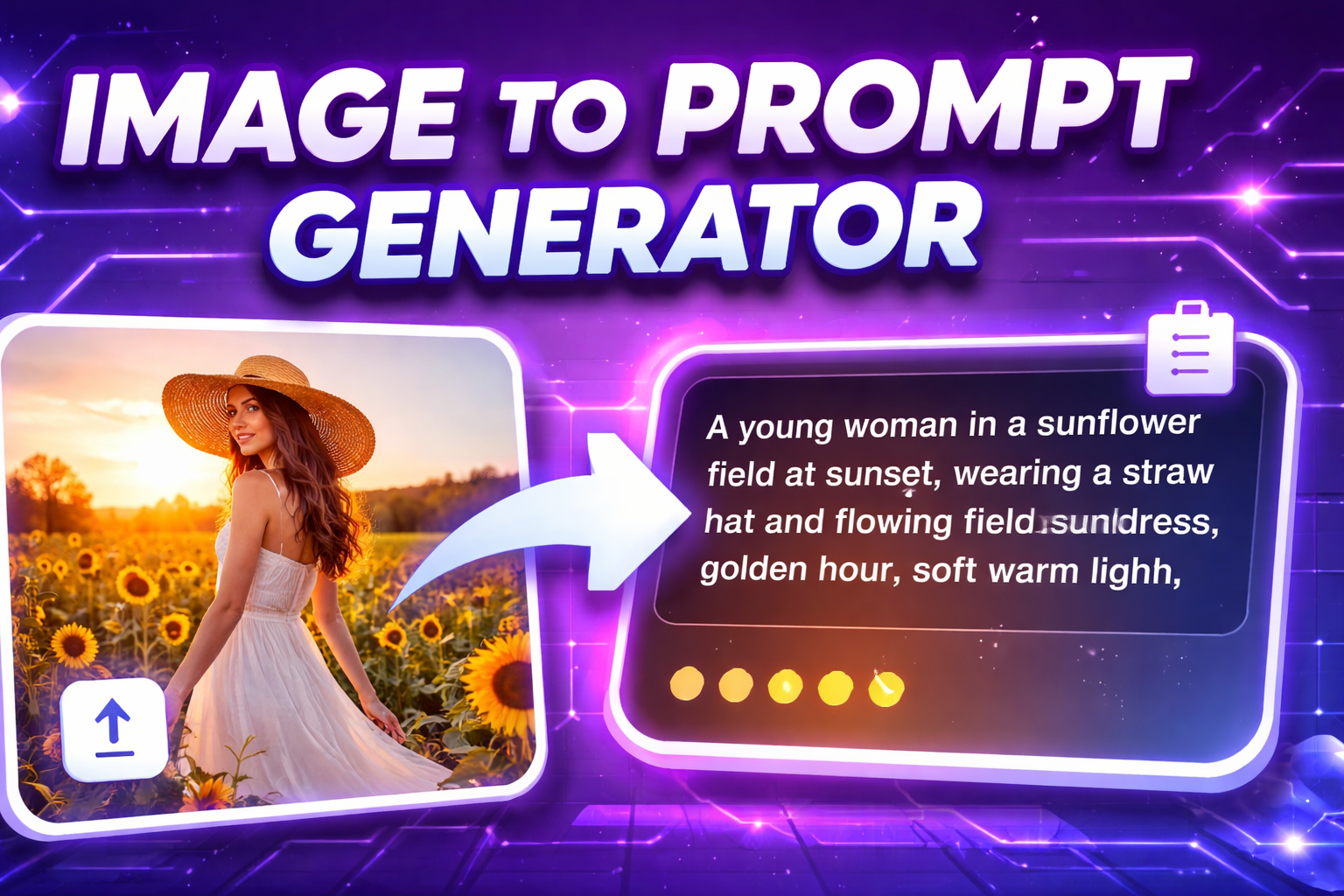
Image to Prompt is a technique that converts reference images into structured text prompts for AI image generation. While the technology is powerful, prompt accuracy depends on how well visual information is captured and translated. Improving this accuracy is essential for achieving consistent and high-quality AI-generated images.
Start with High-Quality Reference Images
Prompt accuracy begins with image quality. Clear, high-resolution images with good lighting allow Image to Prompt tools to detect visual details more precisely. Blurry or overly compressed images often result in incomplete or misleading prompts.
Identify the Core Visual Focus
Before generating a prompt, determine the main subject of the image. Whether it is a person, object, or environment, defining the core focus ensures that the resulting prompt prioritizes what truly matters in the composition.
Pay Attention to Style, Lighting, and Mood
Accurate prompts go beyond describing objects. Style, lighting, and mood strongly influence how an AI interprets a prompt. Describing whether an image is cinematic, minimalist, dramatic, or soft-lit helps maintain visual consistency when generating new images.
Break Down Key Visual Elements
Effective Image to Prompt workflows focus on extracting multiple elements:
- Subject – the main element being portrayed
- Art Style – realistic, illustration, cinematic, or stylized
- Lighting – natural, studio, soft, or high-contrast
- Color Tone – warm, cool, muted, or vibrant
- Perspective – close-up, wide shot, or angled view
- Mood – calm, dramatic, futuristic, or emotional
Refine Prompts After Generation
Automatically generated prompts should be treated as a foundation. Reviewing and refining the output—by removing unnecessary words or emphasizing important elements—can significantly improve accuracy when used in AI image generators.
Use Image to Prompt Tools Consistently
Consistency is key when working with reference images. Using the same Image to Prompt tool, such as those provided by image-to-prompt platforms, helps maintain structured outputs and predictable prompt formats across different projects.
Understand the Limitations of Reference Images
No reference image can capture every artistic detail. Some nuances may be lost during analysis, especially in complex scenes. Knowing these limitations allows users to manually supplement prompts with additional context when necessary.
Improving prompt accuracy from reference images is a combination of using high-quality visuals, understanding key visual elements, and refining generated prompts. With the right approach and reliable Image to Prompt tools, creators can achieve more accurate, consistent, and professional AI-generated images.